Troubleshoot before you start over
A cautious launch-era troubleshooting workflow, with a reusable support report and no mystery downloads.
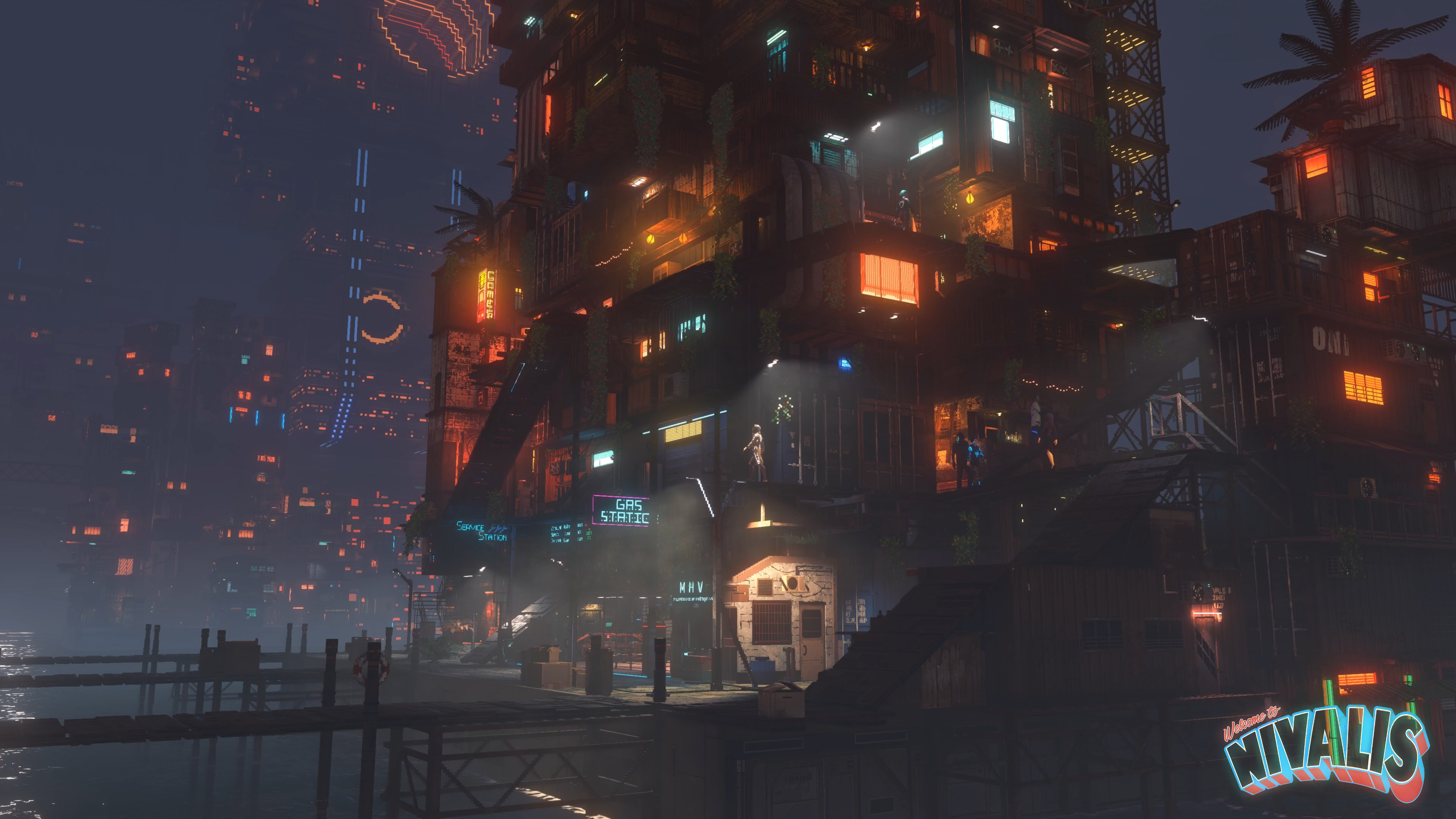
Start by matching the current system requirements and reproducing the issue consistently. We have not benchmarked the game or verified a universal FPS fix. Launch-era Steam Deck HQ coverage reports serious performance problems on Steam Deck; that is not a Valve compatibility rating.
Sources & further reading ↓Make a baseline you can reproduce
Note the location, graphics preset, resolution and whether you are on battery or mains power. Test in the same place after changing one setting at a time. Otherwise a quieter scene may look like a successful fix when it is simply easier to render. Compare against the store’s target for your hardware tier.
Start with reversible checks
Restart the game, check official announcements for known issues and use your platform’s built-in file-verification option when files may be damaged. Get GPU updates from the hardware vendor, not from a third-party “FPS booster.” Preserve your saves before reinstalling or resetting anything. These are general troubleshooting steps, not confirmed Nivalis-specific fixes.
Steam Deck: separate a report from a guarantee
Steam Deck HQ’s launch coverage advises against playing on Steam Deck because of substantial performance drops. Treat that as an independent report for the tested build. Do not confuse “it launches” with a stable experience, and do not label the game Verified without checking Valve’s current listing.
Send a report someone can act on
Include platform, game build if visible, CPU, GPU, RAM, resolution, preset, the exact problem and steps that reproduce it. Add a screenshot where useful, but remove personal information. A compact report is more useful than a list of unrelated tweaks.
Comfort matters too
Players have raised questions about flashing lights and UI visibility. We have not verified a game-wide fix. Check the actual accessibility options available in your build and current official support notes. This website itself has no flashing effects, no autoplaying video and honors reduced-motion preferences.
Sources & further reading
Research checked . This page distinguishes official features from editorial advice. It is not based on our own full playthrough.